Ozwin Mobile App: Put the Casino on Your iPhone or Android Home Screen
The Ozwin casino app is the casino website saved to your home screen as a PWA icon, set up from Safari on an iPhone or Chrome on Android. There is no file to download, no App Store or Google Play listing and nothing to update by hand. Ozwin mobile uses the same username, password and AUD balance you have when you play Ozwin casino online on a computer. Most Australians carry an iPhone, so the iPhone steps come first.
Enter OZWELCOME-A in Coupons for A$10 free, then get 200% up to A$2,000 plus 50 free spins on a first deposit from A$20.
Ozwin Casino Download Explained: What Lands on Your Phone
Anyone searching for an Ozwin casino download usually expects a file. There is none. What you add is a web app icon that opens the Ozwin site in your browser, so the setup is a menu option rather than an installer. Here is what each way of playing on a phone involves:
| Way to play | Where you set it up | What ends up on the phone |
|---|---|---|
| iPhone or iPad icon | Safari, Share menu | A home screen shortcut, no app file |
| Android icon | Chrome, three-dot menu | A home screen shortcut, no APK |
| Mobile browser only | Any browser, Chrome recommended | Nothing, you type the address |
Because the icon points to the live site, the Ozwin casino app download never goes out of date. New games, promotion tiles and cashier changes appear the next time you open it, with no update to approve. The shortcut itself takes up almost no storage, since the RTG pokies load in the browser instead of being stored on the phone.
Why There Is No Ozwin App in the App Store or Google Play
Both stores keep real money casino apps away from Australian users. Google Play accepts real money gambling apps in Australia only for sports betting, lotteries and similar wagering, and online casinos are not on that list. Apple sets its gambling app rules country by country and is just as strict, so a native Ozwin app in either store is not on the cards.
This also helps you spot a fake. Any “Ozwin app” in a store, and any APK file on a third-party site, does not come from Ozwin. The real setup is the icon you create yourself from the official site, and it never asks you to download a file or change security settings.
How to Add Ozwin to an iPhone or iPad Home Screen
Safari is the browser to use on iOS, because Add to Home Screen sits in its Share menu:
1. Open the site in Safari
Open the official Ozwin Casino site in Safari with the Add to iPhone button above.
2. Tap the Share icon
Tap the Share icon, the square with an upward arrow: at the bottom on an iPhone, at the top on an iPad.
3. Choose Add to Home Screen
Scroll down and choose Add to Home Screen. If it is missing, tap Edit Actions and add it.
4. Name the icon and add it
Keep the suggested name or type a shorter one, then tap Add in the top right corner.
5. Open the icon and log in
Tap the new icon on your home screen and log in or sign up.
On recent iOS versions Chrome also offers Add to Home Screen in its share menu, but Safari is the most reliable route. The icon can go into a folder or onto the dock like any other app.
How to Add Ozwin to an Android Home Screen With Chrome
Google Chrome is the browser Ozwin recommends, and on Android the option sits in its three-dot menu as Add to Home screen or Install app:
1. Load the site in Chrome
Open Chrome and load the official site with the Add to Android button above.
2. Open the three-dot menu
Tap the three dots in the top right corner of the browser.
3. Select Add to Home screen
Choose Add to Home screen, or Install app if that is what your menu shows.
4. Confirm and place the icon
Confirm with Add, then tap Add automatically or drag the icon into place.
5. Sign in from the icon
Open Ozwin from the icon and sign in with your username and password.
Samsung Internet works too: open its menu, tap Add page to and pick Home screen. Android never asks you to allow apps from unknown sources here. If a page asks for that permission or starts downloading a file, close it: that is not Ozwin.
Phones, Tablets and Browsers That Run Ozwin Mobile
Ozwin mobile plays instantly in the browser on Android and iOS phones and tablets, and on PC. The casino does not publish a minimum iOS or Android version, memory size or RAM figure, and there is no reason to: nothing gets installed. An up-to-date browser is the main requirement, with Google Chrome as the casino’s pick. A tablet gives pokies and table games more room on screen. Games load from the site each time you open them, so a steady 4G, 5G or Wi-Fi connection matters more than free storage.
The Mobile Lobby: Where Everything Sits on a Small Screen
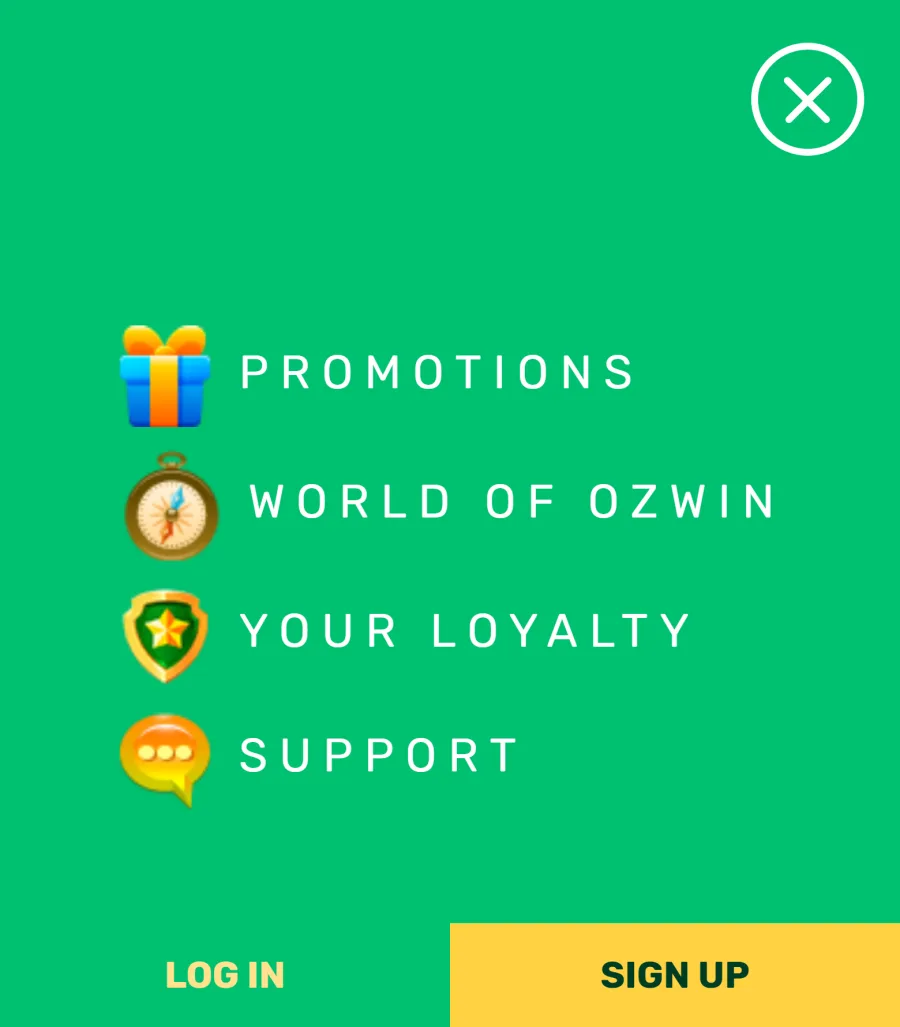
On a phone, the main actions move to a menu along the bottom of the screen and the rest goes into the burger menu. This is where to find what players look for most:
| What you want to do | Where it is on the phone |
|---|---|
| Sign up or log in | LOG IN and SIGN UP bar on the mobile home page, Sign Up and Login in the lobby’s bottom menu |
| Find a game | Search in the bottom menu, or the lobby tabs |
| Enter a bonus code | Coupons in the bottom menu |
| Top up your balance | Deposit |
| Request a payout | Burger menu, Withdraw |
| Talk to support | Burger menu, Live Chat |
| See offers and the jackpot | Burger menu, Promotions and LobbyJackpot |
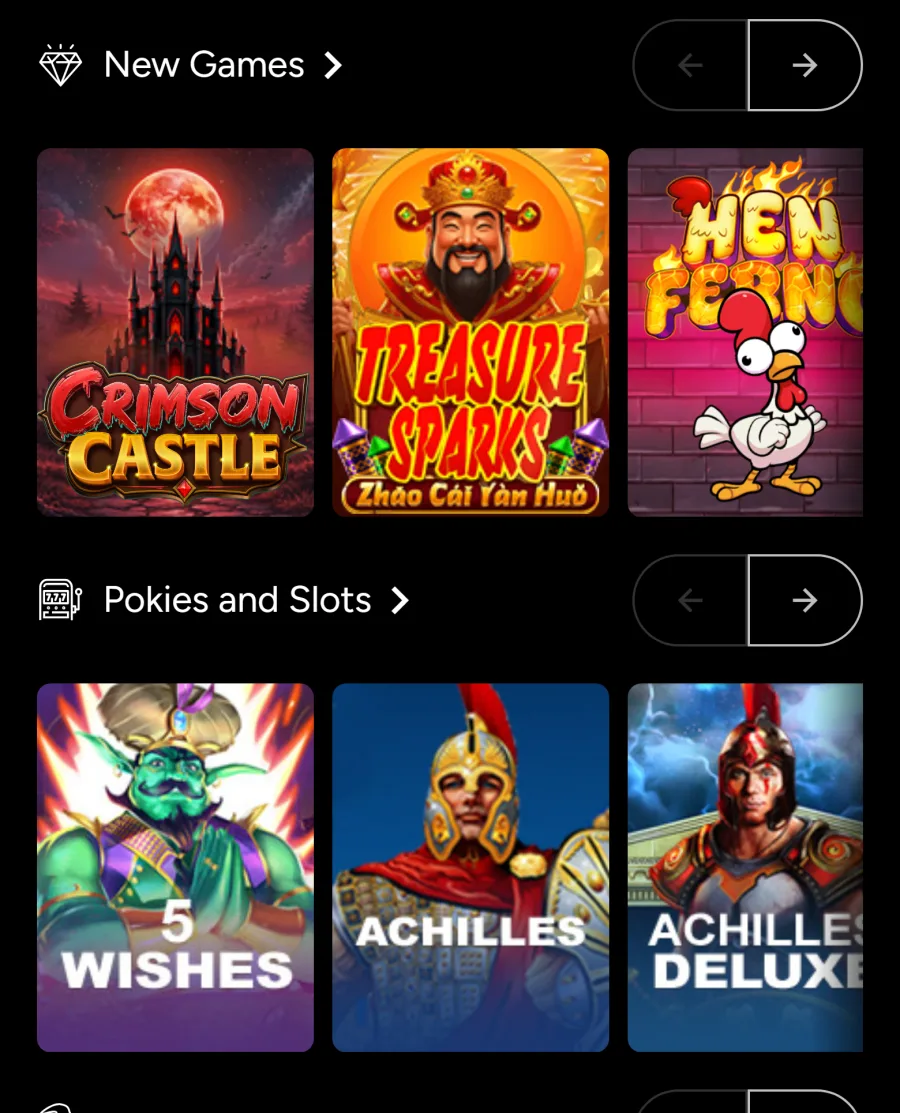
The tabs match the desktop lobby: Home, New Games, Pokies and Slots, Spooky Pokies for October, Table Games, Casual Games, Video Poker, Specialty, Progressives and Live Dealer. Pokies and Slots alone holds 127 titles from RTG, and filters for 3 Reel, 5 Reel, Bonus Round or Progressives help you narrow down the real money pokies on a small screen. Practice Mode in the login window lets you test a game with fun money.
Logging In and Signing Up From the Home Screen Icon
The icon does not create a second account: the same details work on the phone, tablet and computer, and your balance, Comp Points and coupons follow you. New players tap Sign Up and go through the three windows of the Ozwin Casino registration form; AUD is set automatically and no code is needed to open the account. Existing players tap Login and type their username, not their email. If a password slips your mind, the Forgot Password or Username? link in the Ozwin casino mobile login window sends the reset to your email. Clearing Safari or Chrome data keeps the icon but signs you out, so keep your username somewhere safe.
Deposits, Coupons and Withdrawals in the Ozwin App
On a phone the cashier opens with Deposit instead of Cashier, and every deposit is instant and fee-free. These methods suit a phone best:
Apple Pay and Google Pay
from A$20, shown in the Deposit section when your device supports them;
Neosurf vouchers
from A$10, sold in A$10, A$20, A$50 and A$100 values;
Visa or Mastercard
from A$20, or CardPay from A$10;
Lightning Bitcoin
from A$5 and Bitcoin from A$25, sent from a wallet app on the same phone.
Payouts start in the burger menu under Withdraw. Bitcoin and eZeeWallet pay out from A$100 with no fee in 2 business days; a bank transfer also starts at A$100 but costs A$50. The weekly cap is A$7,500, and the first payout needs your ID and a recent utility bill. For the welcome offer, enter OZWELCOME-B or OZWELCOME-C in Coupons before a first deposit from A$20.
Push Notifications on Your Phone Are Optional
Ozwin can ask your browser for permission to send push notifications. A prompt appears on screen, and alerts start only if you tap Allow. Tap Block and nothing else changes: the games, coupons and cashier work exactly the same. If you allowed alerts and want them gone later, open the site settings in your browser, or the notification settings on your phone, and switch them off for Ozwin.
Ozwin App FAQ
Is the Ozwin app free?
Yes. Adding the icon costs nothing, and there is nothing to buy or subscribe to. The only cost is the mobile data the site uses while you play, as with any website.
Do mobile players get different bonuses?
No. The same codes work on a phone and on a computer, including OZWELCOME-A, the two welcome codes and the monthly Pokie of the Month coupon. There is no extra bonus for adding the icon, and offers you claim on the phone show on desktop too.
Can two people use the Ozwin app on one phone?
Each player needs their own account, since the rules allow one real money account per person. Keep in mind that bonuses are limited to one per household, email, payment card and IP environment, so two accounts on a shared phone can lose bonus eligibility.
How do I remove the icon?
Press and hold the icon and choose the remove or delete option your phone shows. Your account, balance and Comp Points stay as they are, and you can add the icon again at any time.
Can I contact support from the app?
Yes. Live Chat is in the burger menu and is open 24/7. You can also email support@ozwinmail.com, with replies in 24-48 hours, or book a call-back through Schedule a Call.
Updated: